
Introduction
Understanding the Quizizz Time Limit is essential for teachers, students, and administrators who want to create effective, engaging, and well-structured assessments. Time limits in quizzes can significantly influence student performance, classroom pacing, and learning outcomes. Whether you’re conducting a live classroom quiz or assigning homework, knowing how to manage time settings properly can transform the learning experience.
Quizizz is widely used for interactive learning because it makes assessments fun and engaging. However, many educators struggle with deciding how much time to give per question, how to remove the timer for homework, or how time affects scoring. This complete guide explains everything in detail so you can confidently use time limits to improve learning rather than create stress.
What Is Quizizz Time Limit?
The Quizizz Time Limit refers to the amount of time assigned to answer each question or complete an entire quiz. On Quizizz, time can be controlled in multiple ways:
- Per-question timer
- Overall quiz timer
- Homework mode timing
- Live mode timing
- Adaptive timing options
Time limits are designed to maintain pace and keep learners focused. However, they must be used strategically. Too short a time limit may create anxiety. Too long may reduce engagement.
Understanding how this feature works helps you create balanced assessments.
Why Time Limits Matter in Online Quizzes
Time limits are not just technical settings. They influence:
1. Student Focus
Limited time encourages students to concentrate and avoid distractions.
2. Assessment Accuracy
Timed quizzes can measure not just knowledge but recall speed.
3. Classroom Efficiency
Teachers can manage class schedules more effectively.
4. Engagement
Gamified timing keeps students alert and competitive.
However, time pressure can also cause stress. That’s why choosing the correct timing strategy is essential.
How Quizizz Time Limit Works
Quizizz allows teachers to set time per question when creating or editing a quiz. The default time usually depends on question type:
- Multiple choice: Often 30 seconds
- True/False: Around 20 seconds
- Open-ended: Can be longer
When creating a question, you can manually adjust the timer. Teachers can choose from preset time ranges or customize the duration.
In live mode, the timer is visible to students, creating urgency. In homework mode, teachers may allow flexibility.
How to Set Quizizz Time Limit Step by Step
Here’s how you set it:
- Log in to your Quizizz account.
- Click “Create” or open an existing quiz.
- Select a question.
- Look for the time setting option.
- Adjust the seconds per question.
- Save changes.
- Publish or assign the quiz.
For live quizzes:
- Choose “Start Live Quiz.”
- Review time settings before launching.
For homework:
- Select “Assign Homework.”
- Set deadline and timer options.
Always preview your quiz before assigning it.
Best Time Settings for Different Question Types
Choosing the right time depends on difficulty and cognitive demand.
Easy Recall Questions
- 15–30 seconds
- Suitable for definitions and simple facts
Concept-Based Questions
- 30–60 seconds
- Ideal for understanding-based queries
Analytical Questions
- 60–120 seconds
- Best for problem-solving or calculations
Open-Ended Responses
- 2–5 minutes
- Allow thoughtful answers
Timing should reflect complexity, not just question length.
How Quizizz Time Limit Affects Scoring
In many Quizizz modes, scoring is influenced by both correctness and speed.
Students who answer:
- Correctly + quickly → Higher points
- Correctly but slowly → Lower points
- Incorrectly → Zero points
This creates competitive engagement but may disadvantage thoughtful learners. If speed is not your goal, you may want to disable speed-based scoring.
Removing or Extending Quizizz Time Limit
Sometimes, you may want no timer at all.
You can:
- Increase question time to maximum allowed
- Use homework mode without strict timer
- Disable answer speed scoring (if available)
- Provide extended deadlines
This is especially helpful for:
- Younger students
- Students with learning difficulties
- Exam practice sessions
Flexibility improves inclusivity.
Quizizz Time Limit for Homework Mode
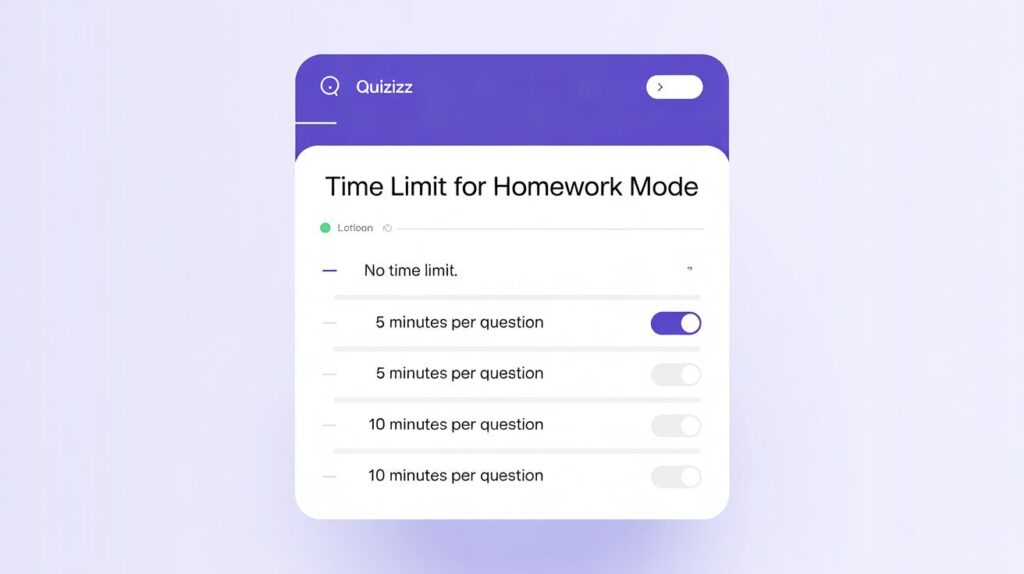
Homework mode offers more control. Teachers can:
- Set assignment deadlines
- Keep question timers active
- Allow students to attempt anytime before deadline
- Adjust retry options
In homework, students work independently, so slightly longer timers are recommended.
Managing Student Anxiety with Time Limits
Time pressure can create stress. To reduce anxiety:
- Inform students about timing beforehand
- Practice with sample quizzes
- Start with generous time limits
- Gradually reduce time
- Offer retakes
A balanced approach encourages confidence.
Tips for Optimizing Quizizz Time Limit
Here are proven strategies:
1. Test the Quiz Yourself
Attempt it before assigning.
2. Add Buffer Time
Give extra seconds for reading.
3. Match Timer to Grade Level
Younger learners need more time.
4. Avoid Extremely Short Timers
Under 10 seconds may create panic.
5. Use Timers for Gamification
For revision sessions, speed can increase excitement.
Common Mistakes Teachers Make
- Setting uniform time for all questions
- Forgetting to preview timing
- Using short timers for long questions
- Ignoring student feedback
- Overusing speed-based scoring
Avoiding these improves assessment quality.
Quizizz Time Limit vs Other Platforms
Compared to other tools:
- Some platforms use strict overall timers.
- Quizizz allows per-question flexibility.
- Homework mode offers deadline-based control.
- Gamification is stronger in Quizizz.
This flexibility is one of its biggest advantages.
Advanced Strategies for Professional Educators
If you want to use timing strategically:
- Use shorter timers for revision drills.
- Use longer timers for formative assessment.
- Remove timer for exam practice.
- Combine timed and untimed sections.
This creates a balanced evaluation model.
When Should You Disable Quizizz Time Limit?
Disable timing when:
- Assessing deep comprehension
- Conducting open discussions
- Supporting special needs students
- Testing writing skills
Time should serve learning—not dominate it.
Final Thoughts
The Quizizz Time Limit is not just a technical feature—it is a powerful instructional tool that shapes how students interact with content, manage pressure, and demonstrate their understanding. When used thoughtfully, time settings can boost engagement, improve focus, and support structured classroom pacing. However, when applied without strategy, they may unintentionally increase stress or limit deeper thinking. The key lies in aligning time limits with learning objectives, student ability levels, and the complexity of each question.
Ultimately, effective use of time limits requires balance and flexibility. Educators should view timing as a support mechanism rather than a strict rule. By testing quizzes beforehand, adjusting timers based on feedback, and occasionally removing time pressure when deeper reflection is required, teachers can create a more inclusive and meaningful assessment experience. When time serves learning instead of controlling it, Quizizz becomes not just a fun tool—but a truly effective educational platform.
Frequently Asked Questions (FAQs) About Quizizz Time Limit
1. What is the Quizizz Time Limit?
The Quizizz time limit refers to the set duration given to learners to respond to individual questions or finish the entire quiz. Teachers can control this setting per question, for live sessions, or in homework mode.
2. Can I set different time limits for each question?
Yes, Quizizz allows you to customize the time for each question individually. This helps match the timer to the difficulty and complexity of the question.
3. What is the default time per question in Quizizz?
The default time typically ranges from 20 to 30 seconds for multiple-choice and true/false questions, while open-ended questions usually allow more time.
4. Does speed affect scoring in Quizizz?
In many live quiz modes, scoring is based on both accuracy and speed. Students who answer correctly and quickly earn more points than those who answer slowly.
5. Can I disable speed-based scoring?
Yes, depending on the settings and mode, you can adjust or disable speed-based scoring if you want to focus purely on accuracy rather than response time.
6. How do I remove the Quizizz Time Limit completely?
While you may not be able to completely remove the timer in some modes, you can extend the time significantly, use homework mode, or adjust settings to reduce time pressure.
7. What is the best time limit for elementary students?
For younger learners, 30–60 seconds per question is generally recommended. More complex or reading-heavy questions may require additional time.
8. How does the Quizizz Time Limit work in homework mode?
In homework mode, students can complete the quiz anytime before the deadline. Teachers can still set per-question timers, but students are not competing in real time like in live mode.
9. When should I disable the Quizizz Time Limit?
You should consider disabling or extending time limits when assessing deep comprehension, conducting writing tasks, supporting special needs students, or encouraging thoughtful discussion.
10. Can I change the time limit after assigning a quiz?
If you need to adjust the timer after assigning, you may need to edit the quiz and reassign it, depending on the mode and settings used.
11. How can I reduce student anxiety caused by time limits?
You can reduce anxiety by informing students in advance, offering practice quizzes, starting with generous time limits, and gradually reducing time as students gain confidence.
12. What are common mistakes when setting Quizizz Time Limits?
Common mistakes include using the same timer for all questions, setting very short times for complex questions, not previewing the quiz, and ignoring student feedback about timing difficulty.
13. Is Quizizz more flexible with timing than other platforms?
Yes, Quizizz offers strong flexibility with per-question timers, homework deadlines, and gamified live sessions, making it more adaptable compared to many other quiz platforms.
14. How do I choose the right time limit for analytical questions?
Analytical or calculation-based questions typically require 60–120 seconds, depending on the level of difficulty and grade level of the students.
15. Why is balancing the Quizizz Time Limit important?
Balancing time limits ensures that quizzes remain engaging and structured without causing unnecessary stress. Proper timing supports learning rather than limiting it.
ALSO READ
VRealize Infrastructure Navigator: Data Center Power