
Introduction
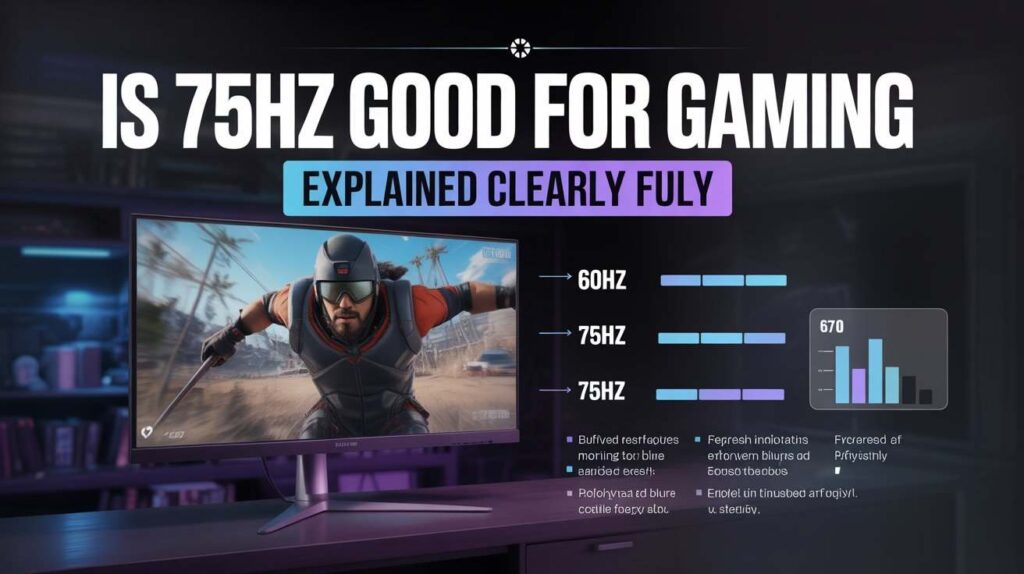
Is 75Hz Good For Gaming is a question many gamers ask when upgrading their setup or buying their first gaming monitor. With so much hype around 144Hz, 165Hz, and even 240Hz displays, it’s easy to assume anything lower is outdated or unusable. But the reality is more nuanced than marketing would have you believe.
Not every gamer needs ultra-high refresh rates, and not every system can even take advantage of them. A 75Hz monitor sits in an interesting middle ground — better than the standard 60Hz, yet far below high-end esports displays. For casual gamers, budget builders, and even competitive players on a tight setup, understanding what 75Hz really offers is crucial.
In this in-depth guide, we’ll break down everything you need to know: how refresh rates work, how 75Hz performs across different game genres, its advantages and limitations, how it compares to 60Hz and 144Hz, and whether it’s the right choice for you.
What Does 75Hz Mean in Gaming?
The term 75Hz refers to a monitor’s refresh rate — how many times per second the screen refreshes the image.
- 60Hz = 60 updates per second
- 75Hz = 75 updates per second
- 144Hz = 144 updates per second
In gaming, a higher refresh rate generally means:
- Smoother motion
- Reduced screen tearing
- Lower input lag
- Better visual clarity during fast movement
So, 75Hz provides 25% more refreshes than 60Hz, which is not insignificant. That extra smoothness is noticeable, especially in games involving camera movement, aiming, or fast character motion.
Is 75Hz Good For Gaming Compared to 60Hz?
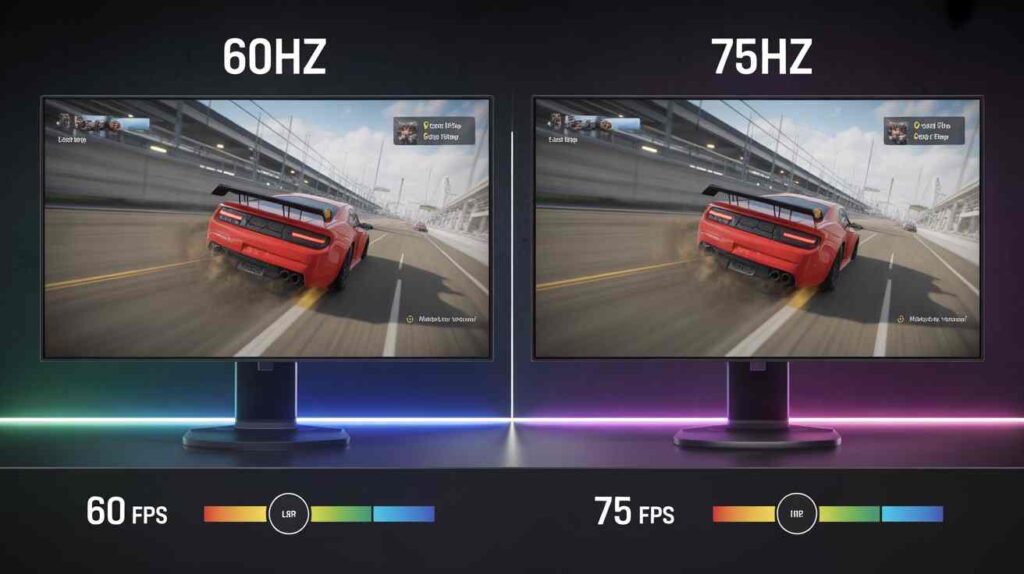
This comparison is one of the most important, especially for gamers upgrading from standard displays.
Key Differences Between 60Hz and 75Hz
- Motion Smoothness: 75Hz feels smoother when turning the camera or moving quickly.
- Responsiveness: Input feels slightly more immediate.
- Eye Comfort: Less perceived stutter reduces eye strain during longer sessions.
- Frame Pacing: Games feel more fluid, even if FPS fluctuates slightly.
While the jump from 60Hz to 75Hz is not as dramatic as 60Hz to 144Hz, it is noticeable, particularly to players who game frequently.
Verdict
Yes — 75Hz is clearly better than 60Hz for gaming, especially if your GPU can consistently push 70–75 FPS.
How FPS and Refresh Rate Work Together
Refresh rate alone doesn’t define gaming performance. Your frames per second (FPS) must align with your monitor’s refresh rate to fully benefit.
Ideal Scenarios for 75Hz Gaming
- GPU outputs 75 FPS or more
- V-Sync or Adaptive Sync enabled
- Stable frame times
If your system only produces 40–50 FPS, a 75Hz monitor won’t magically improve smoothness. However, if your GPU averages around 70 FPS, a 75Hz display is a perfect match.
This is why mid-range and older GPUs pair very well with 75Hz monitors.
Is 75Hz Good For Competitive Gaming?
This depends heavily on the type of competitive gaming you do.
For Casual Competitive Players
If you play ranked matches casually or semi-competitively:
- 75Hz is acceptable
- Better than 60Hz
- Enough for enjoyment and consistency
For Hardcore Esports Players
If you play FPS titles seriously:
- 144Hz or higher is preferred
- Faster reaction windows
- Smoother tracking
75Hz won’t hold you back casually, but it’s not ideal for professional-level competitive play.
Gaming Genres Where 75Hz Works Well
1. RPGs and Open-World Games
Games like RPGs, exploration titles, and story-driven experiences benefit from smoother motion but don’t require ultra-high refresh rates. 75Hz is more than enough.
2. Strategy and Simulation Games
RTS, city builders, and simulation games rely more on visuals and thinking than reaction speed. 75Hz performs excellently here.
3. Indie and Platformer Games
Most indie games are optimized for lower refresh rates. 75Hz enhances fluidity without demanding extra hardware.
4. Casual FPS and Action Games
You’ll feel smoother aiming and camera motion compared to 60Hz, though not as sharp as 144Hz.
Where 75Hz Falls Short
Despite its advantages, 75Hz has limitations.
1. High-Level Competitive FPS
Games like tactical shooters reward extreme smoothness and low latency, where 144Hz+ dominates.
2. Future-Proofing
As games evolve, higher refresh rates are becoming standard. 75Hz may feel limiting long-term.
3. Motion Clarity
Fast flicks and rapid movement look clearer on higher refresh displays.
Input Lag and Responsiveness at 75Hz
Input lag is influenced by multiple factors:
- Refresh rate
- Panel type
- Response time
- GPU settings
Compared to 60Hz, 75Hz reduces input lag slightly, making controls feel more responsive. While not esports-level, it’s noticeably better for everyday gaming.
Is 75Hz Good For Console Gaming?
For Older Consoles
Perfectly fine. Most older consoles target 60 FPS, and 75Hz handles this smoothly.
For Newer Consoles
Modern consoles can exceed 60 FPS in some titles. However, many games still lock at 60 FPS, making 75Hz usable but not optimal.
Power Consumption and Heat Benefits
Lower refresh rate monitors:
- Consume less power
- Produce less heat
- Are quieter (especially budget models)
This makes 75Hz attractive for:
- Laptops
- Small rooms
- Long gaming sessions
Budget Considerations: Value for Money
One of the strongest arguments for 75Hz gaming monitors is affordability.
You typically get:
- Higher refresh than 60Hz
- Better color and size options
- Lower cost than 144Hz displays
For budget builds, 75Hz offers excellent value.
Is 75Hz Good For Gaming Laptops?
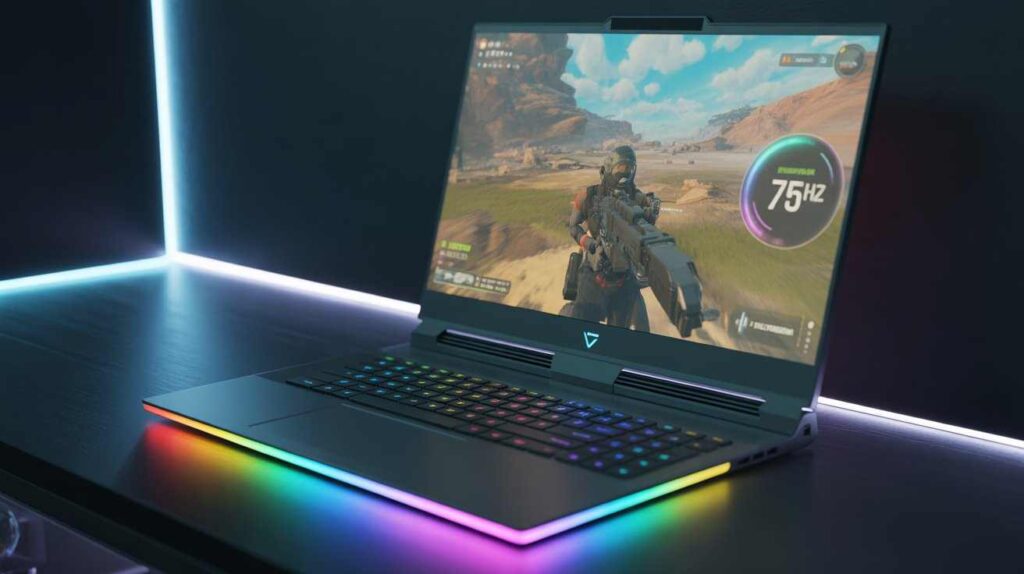
Yes — especially for:
- Entry-level gaming laptops
- Integrated graphics systems
- Mid-range GPUs
Many laptops cannot sustain 144 FPS, making 75Hz a balanced and efficient choice.
Who Should Choose a 75Hz Gaming Monitor?
75Hz Is Ideal If You:
- Are upgrading from 60Hz
- Have a mid-range GPU
- Play casually or semi-competitively
- Want smoother gameplay on a budget
- Prefer lower power consumption
75Hz Is Not Ideal If You:
- Play esports professionally
- Own a high-end GPU
- Want maximum future-proofing
Final Thoughts
So, is 75Hz good for gaming? The honest answer is yes — for the right gamer. While it won’t match the buttery smoothness of high-refresh esports monitors, it delivers a meaningful improvement over 60Hz and offers excellent balance between performance, cost, and efficiency.
For casual gamers, budget builders, and those transitioning into smoother gameplay, 75Hz is a smart and practical choice. It enhances fluidity, improves responsiveness, and makes gaming more enjoyable without demanding expensive hardware upgrades.
Ultimately, the best refresh rate is not the highest number — it’s the one that matches your system, your games, and your gaming goals. And for many players, 75Hz hits that sweet spot perfectly.
Frequently Asked Questions (FAQs)
1. Is 75Hz good for gaming overall?
Yes, 75Hz is good for gaming for many users, especially casual and budget gamers. It offers smoother gameplay than 60Hz without the high cost and hardware demands of 144Hz or higher monitors.
2. Is there a noticeable difference between 60Hz and 75Hz for gaming?
Yes, the difference is noticeable. A 75Hz monitor provides smoother motion, better frame pacing, and slightly lower input lag compared to 60Hz, particularly during fast camera movement.
3. Is 75Hz good for FPS games?
75Hz works well for casual FPS gaming. While it’s not ideal for professional or high-level competitive FPS play, it still delivers smoother aiming and movement than 60Hz.
4. Can a 75Hz monitor reduce input lag?
Compared to 60Hz, a 75Hz monitor can slightly reduce input lag, making controls feel more responsive. However, it won’t match the ultra-low latency of high-refresh esports monitors.
5. Do I need 75 FPS to benefit from a 75Hz monitor?
Ideally, yes. To fully benefit from a 75Hz display, your system should consistently output close to 70–75 FPS. If FPS is much lower, the advantage over 60Hz becomes less noticeable.
6. Is 75Hz good for competitive gaming?
For casual or semi-competitive players, 75Hz is acceptable and better than 60Hz. However, serious esports players generally prefer 144Hz or higher for faster reaction times and smoother tracking.
7. Is 75Hz good for gaming laptops?
Yes, 75Hz is a great option for gaming laptops, especially entry-level and mid-range models that cannot consistently reach very high frame rates.
8. Is a 75Hz monitor good for console gaming?
Yes, 75Hz monitors work well for console gaming, particularly since many console games are capped at 60 FPS. For newer consoles that support higher FPS, 75Hz is usable but not optimal.
9. Does 75Hz help reduce screen tearing?
Yes, screen tearing can be reduced when using a 75Hz monitor, especially if V-Sync or Adaptive Sync is enabled and FPS stays close to the refresh rate.
10. Is 75Hz future-proof for gaming?
75Hz is suitable for current casual gaming needs, but it may feel limiting in the long term as more games and hardware push toward higher refresh rates.
11. Is 75Hz worth it on a budget?
Absolutely. For budget-conscious gamers, 75Hz offers excellent value by delivering smoother gameplay than 60Hz at a much lower cost than high-refresh monitors.
12. Who should avoid buying a 75Hz gaming monitor?
Gamers who play esports professionally, own high-end GPUs, or want maximum future-proofing should consider 144Hz or higher instead of 75Hz.
ALSO READ
BCN Play Review: Everything You Need to Know in 2026
World Tech Toys Helicopter Guide for Fun Flying
Technology Expense Management for Smarter Business Control